Sahar Rahimi
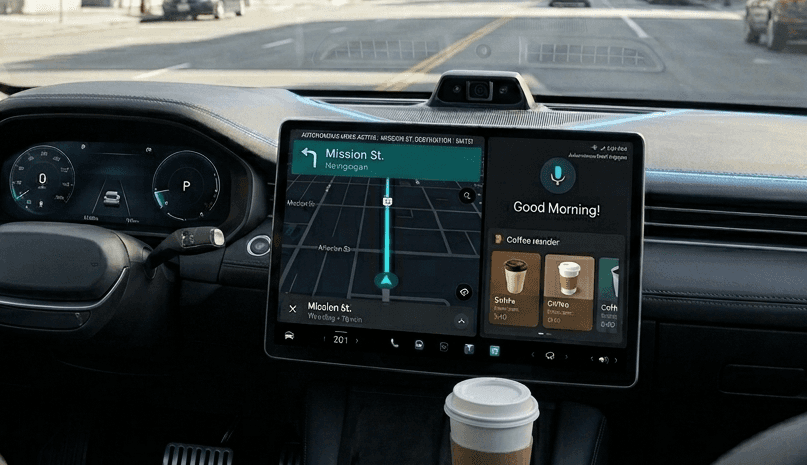
Smart Order
Background
Recent data shows near 65% of drivers admit to using their phones while driving, with food ordering apps being a major distraction.
(They do it anyway!)
Safety Risk
Using smartphones while driving increases accident risk by ~400%
Inefficiency & Poor UX
Current ordering requires pulling over or risking distracted driving. Existing apps aren't optimized for in-vehicle use cases.
Missed Opportunity
Drivers want convenience but lack safe ordering options.
Goals
Safety First: Eyes on road, hands on wheel
Voice-primary interaction
Glanceable UI elements
Minimal cognitive load
Speed & Efficiency: Complete orders in under 30 seconds
One-tap favorites
Smart predictions
Auto-fill information
Context-Aware: Right info, right time
Location-based suggestions
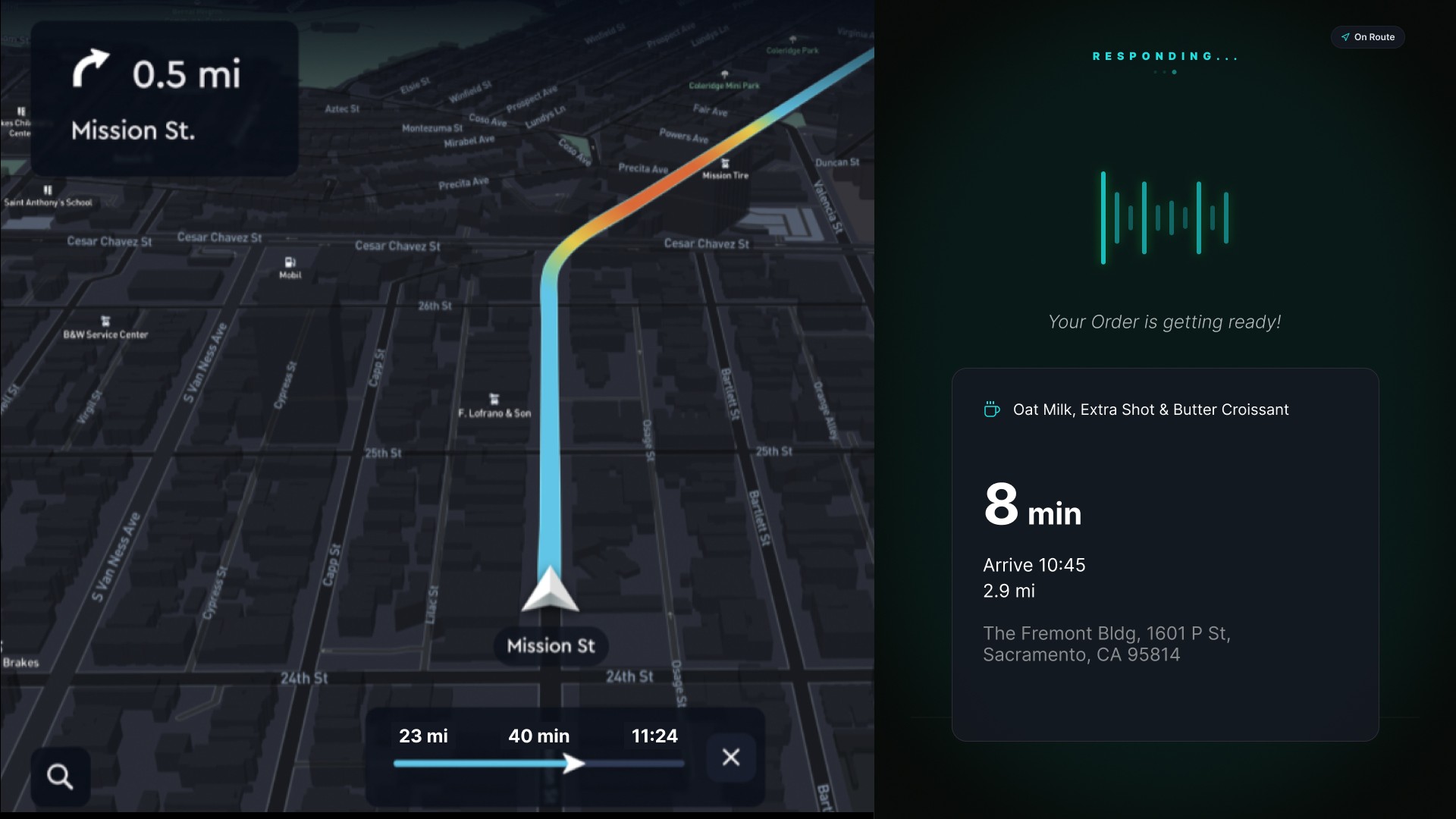
Route integration
Time-sensitive alerts
Seamless Integration: Frictionless experience
Auto-payment
Loyalty integration
Cross-platform sync
Key Features
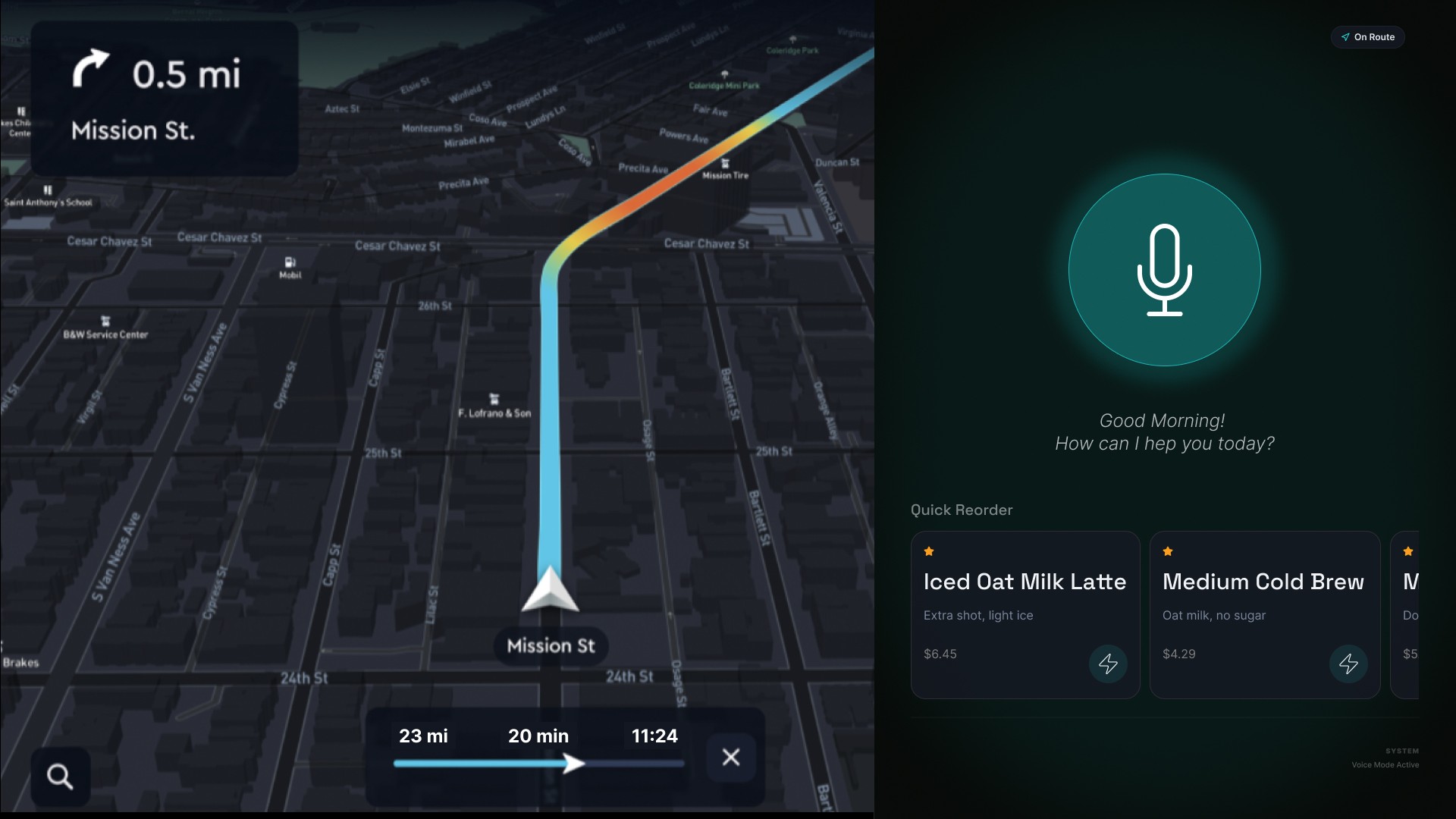
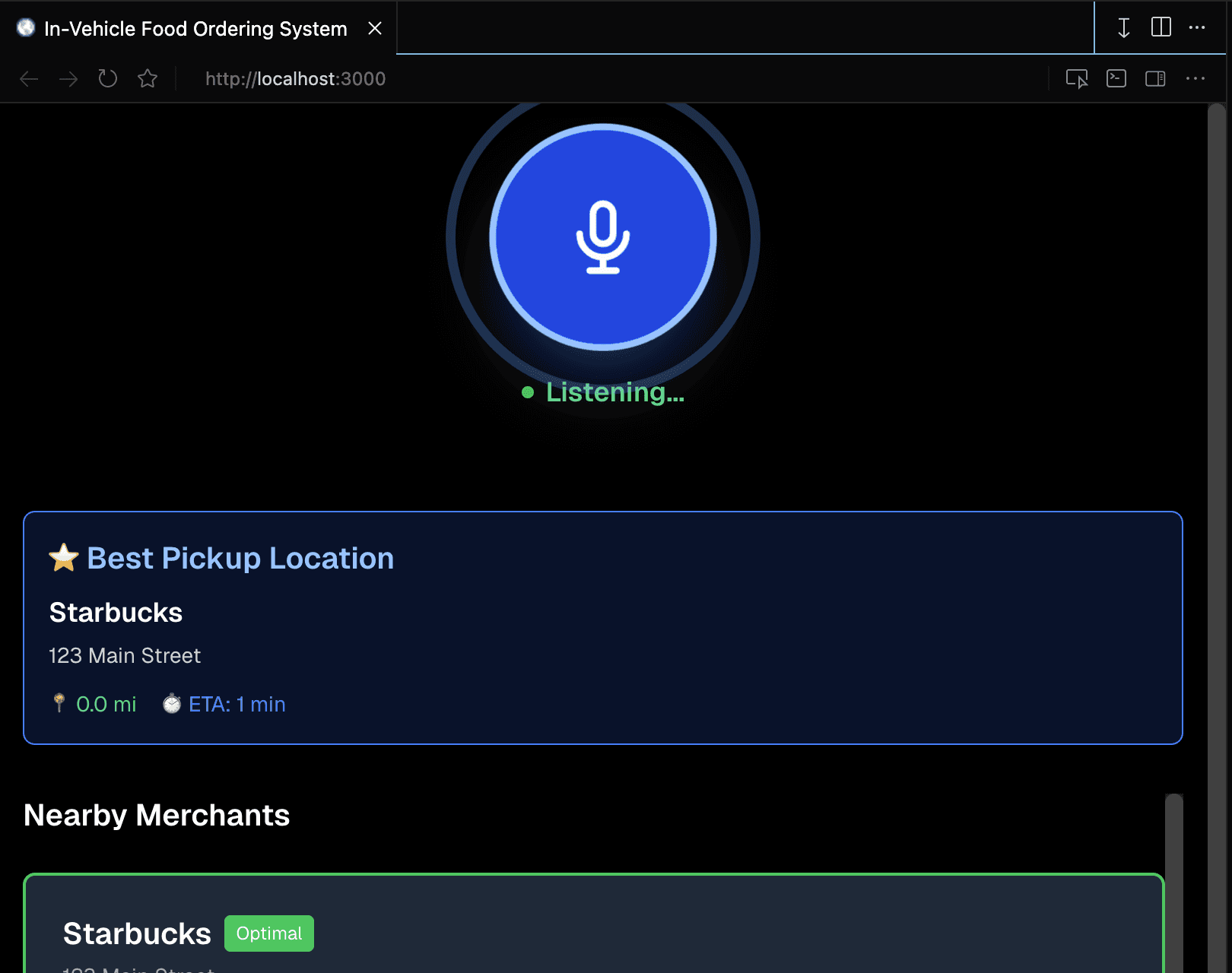
Voice-First Interface
Natural language processing for conversational ordering. Always-accessible voice control with instant feedback.
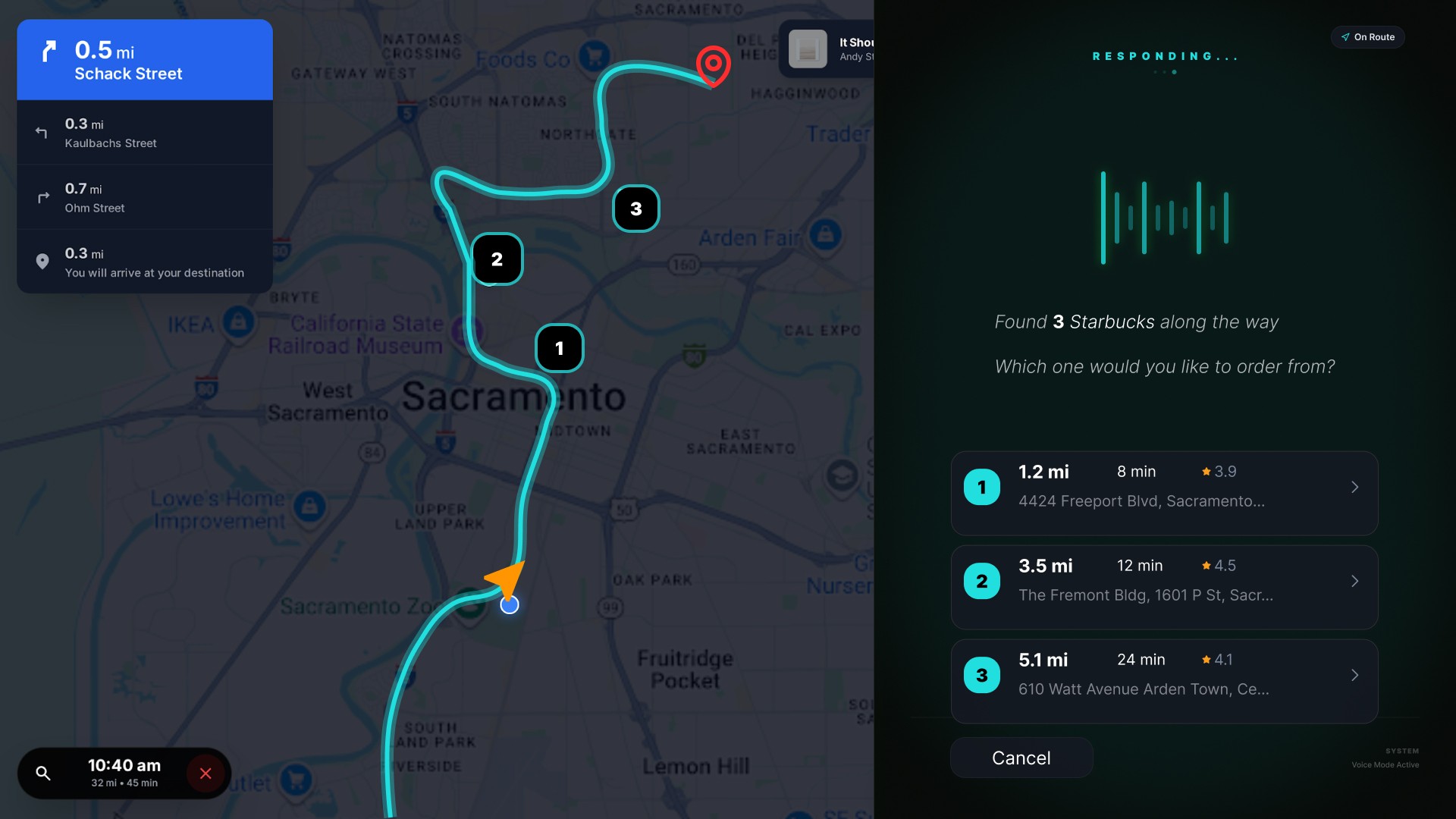
Smart Location Detection
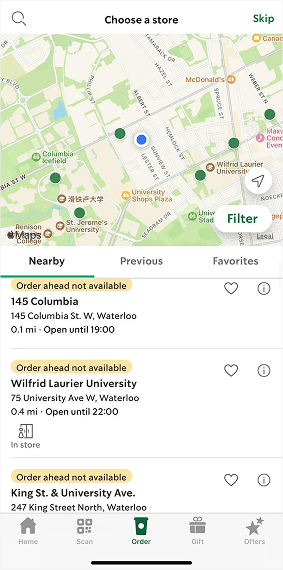
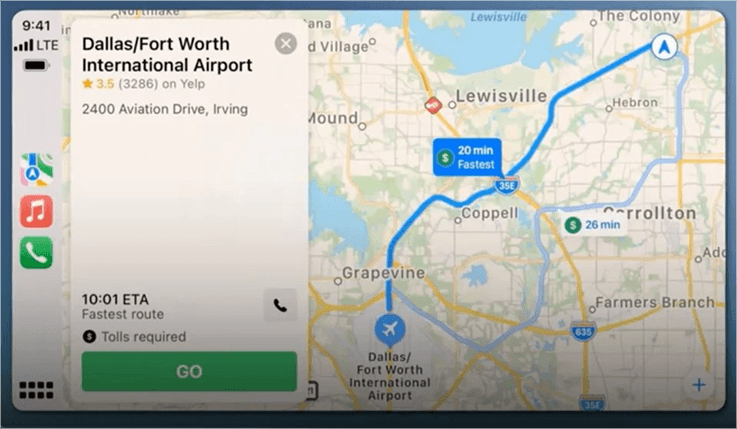
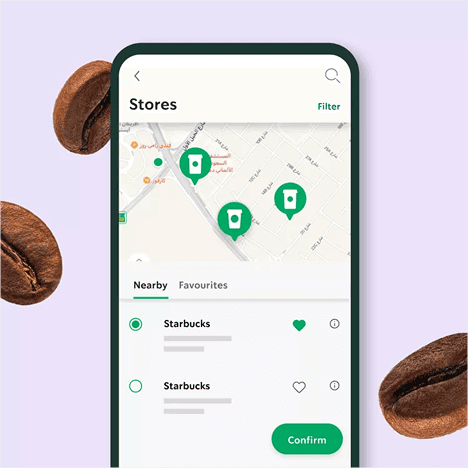
Real-time GPS integration showing nearby stores with ETA and availability along your route.
Personalized Favorites
One-touch access to frequently ordered items. AI-powered suggestions based on time and location.
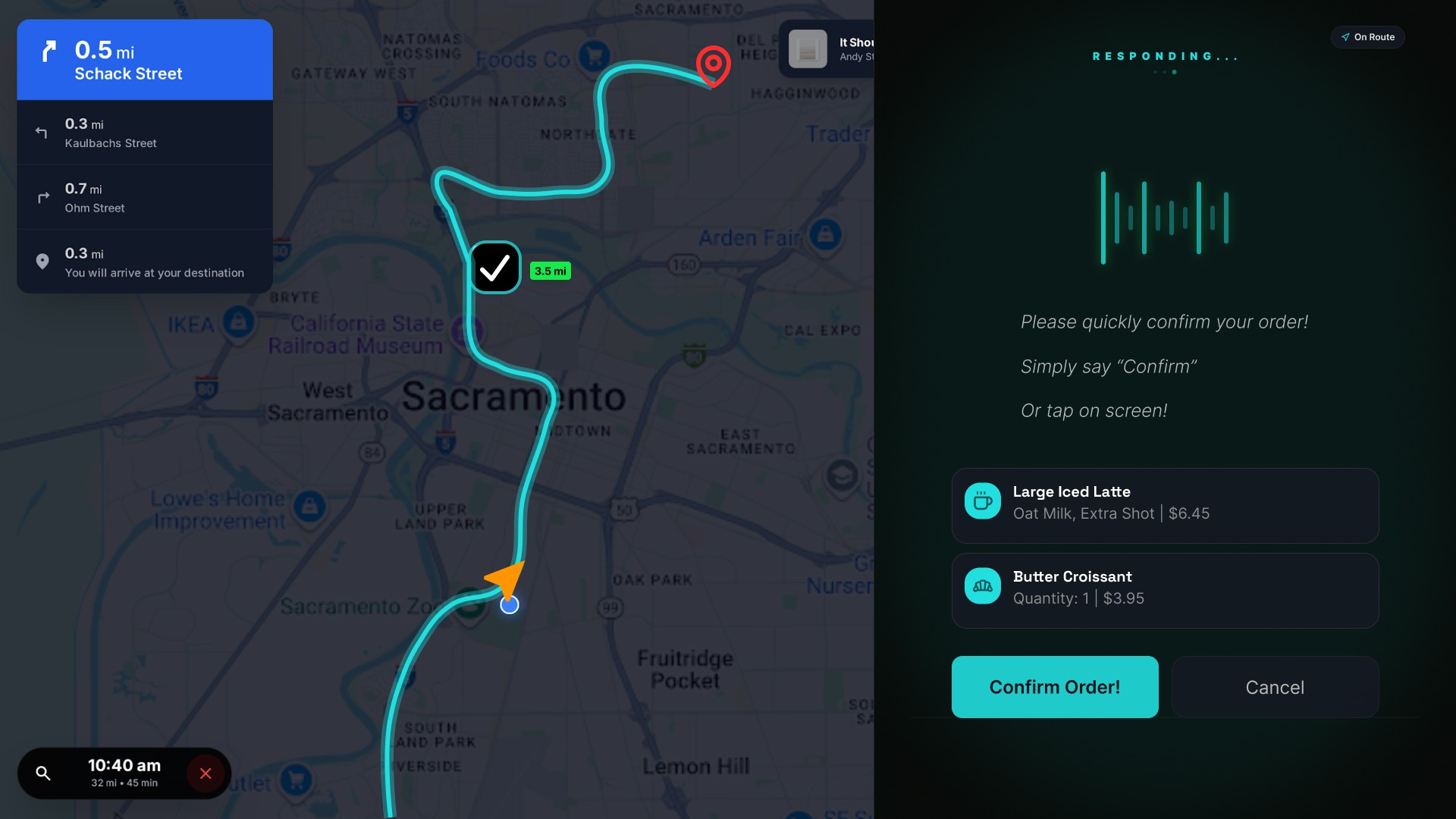
Auto-Payment
Stored payment methods with secure auto-checkout. No fumbling for wallet or phone.
Let’s Cook something up!
Here are some of my vibe-driven design explorations (we've been doing this long before AI became part of the workflow).
I started by experimenting with several AI-assisted design and prototyping tools, including Google Stitch, Replit, MagicPath, and Figma Make. Rather than committing to a single tool from the beginning, I treated each one as a different lens for exploring the concept. I used them to generate interface directions, test interaction patterns, create quick wireframes, explore visual styles, and rapidly iterate on ideas that would have taken much longer to build manually. Some tools were better for visual exploration, while others were more effective for generating functional prototypes or helping me think through user journeys. I spent time comparing outputs, identifying what felt natural, and gradually combining the strongest
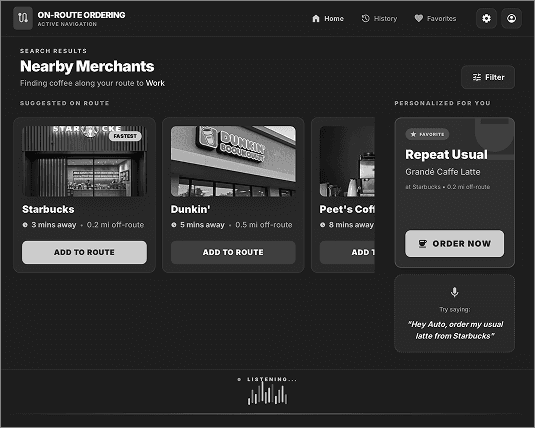
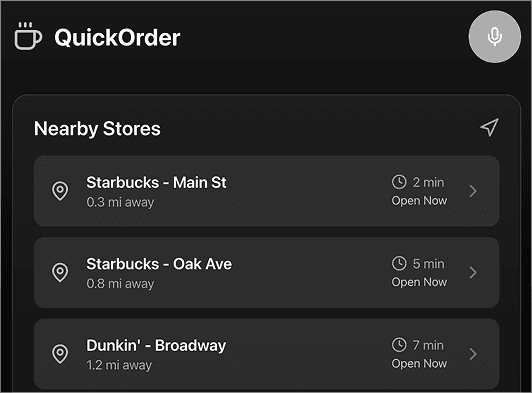
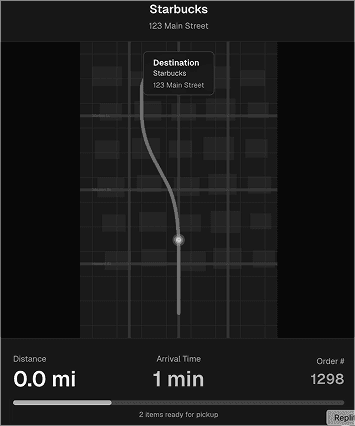
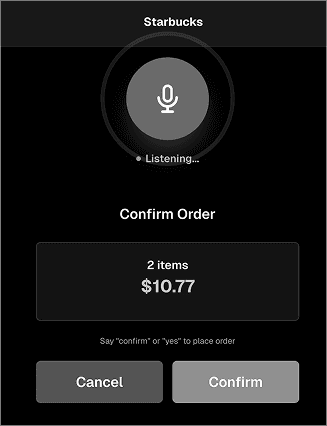


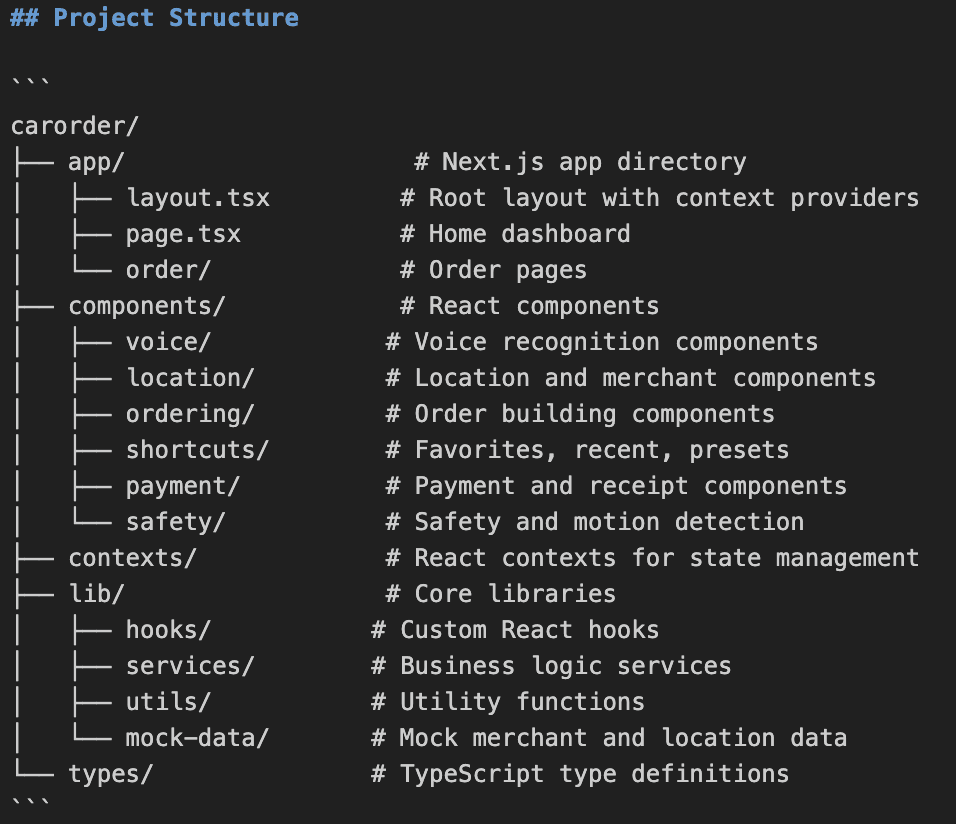
Using Cursor as my primary development environment, I began translating the prototype concepts into a working product. This involved setting up the project structure, experimenting with different frontend approaches, refining component layouts, troubleshooting interactions, and continuously testing the experience. I used Cursor not only for code generation but also for rapid iteration, debugging, refactoring, and exploring multiple implementation paths before settling on the final solution.

Core User Flow & Key Design Decisions
Large Touch Targets (Minimum 60px)
NHTSA guidelines recommend touch targets ≥60px for safe in-vehicle interaction
High Contrast Color Scheme (4.5:1 ratio)
Readability in varying light conditions (bright sun, night driving)
Minimal Information Hierarchy
Drivers can only safely glance for 2 seconds (AAA Foundation study)
Progressive Disclosure
Prevent cognitive overload during driving